How it Works
1
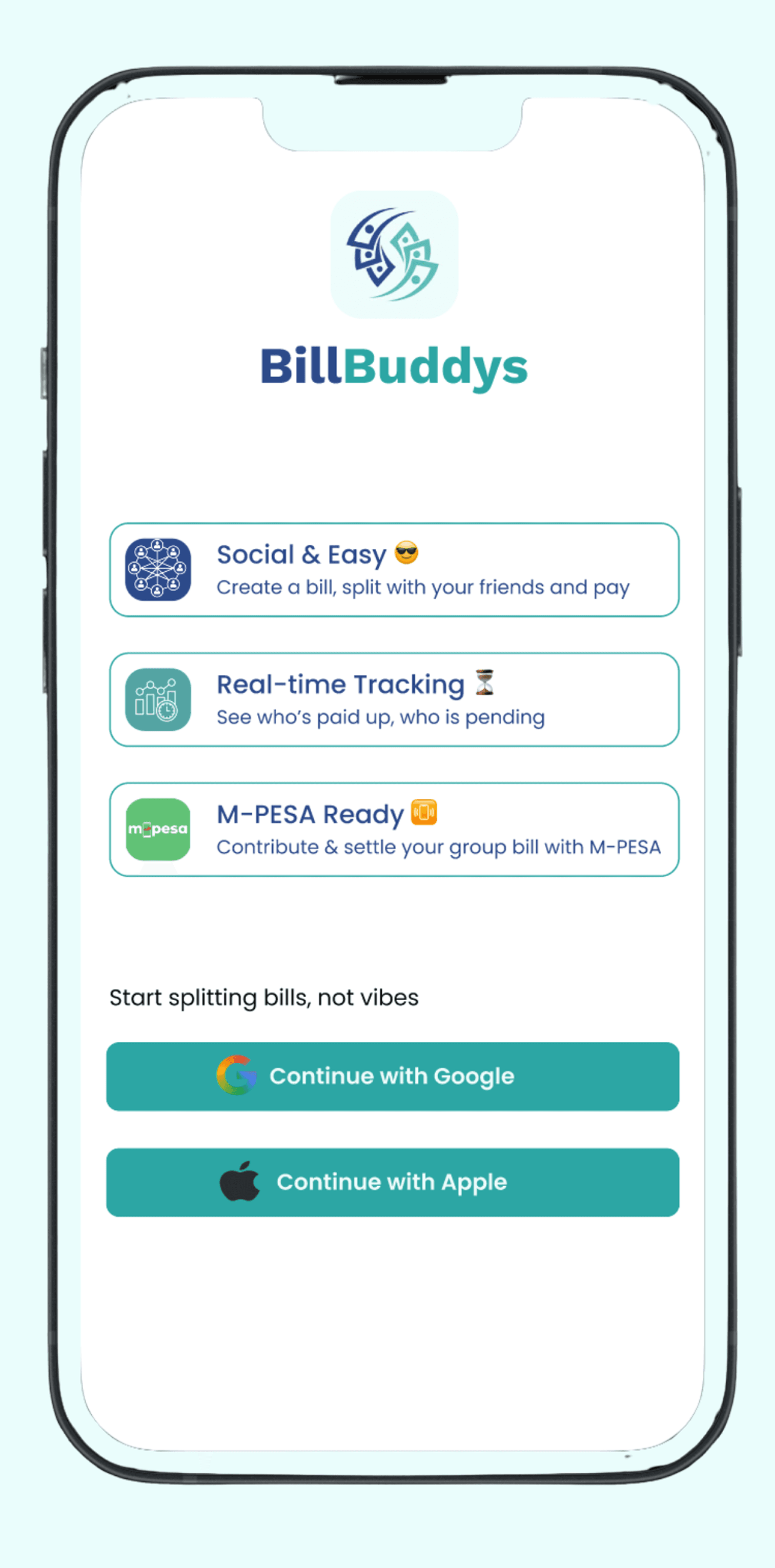
Sign Up
Simply download the app and sign up with your Gmail account or Apple ID.
2
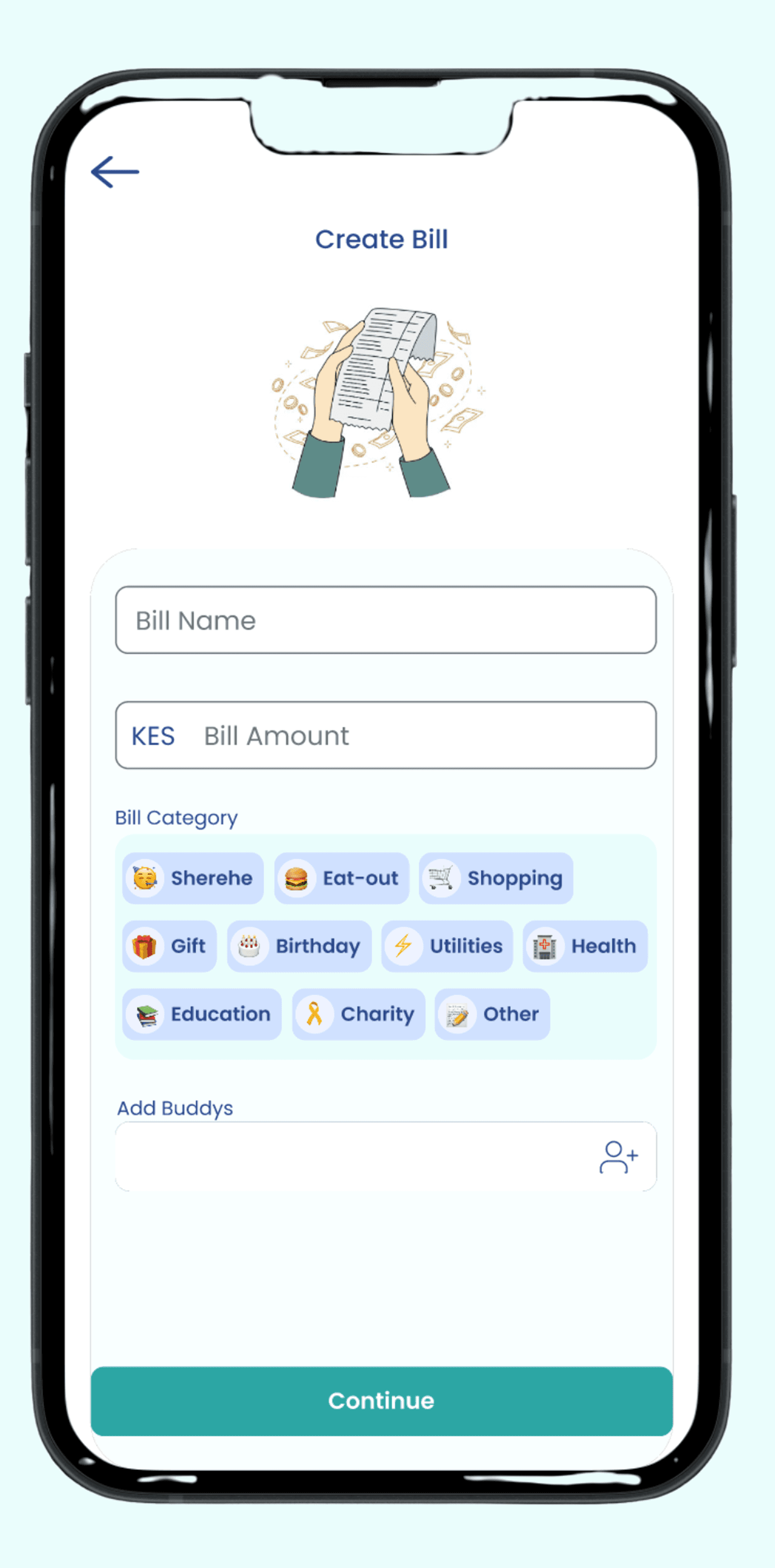
Create Bill
Create a bill by naming it, enter a target bill amount and optionally select a bill category.
3
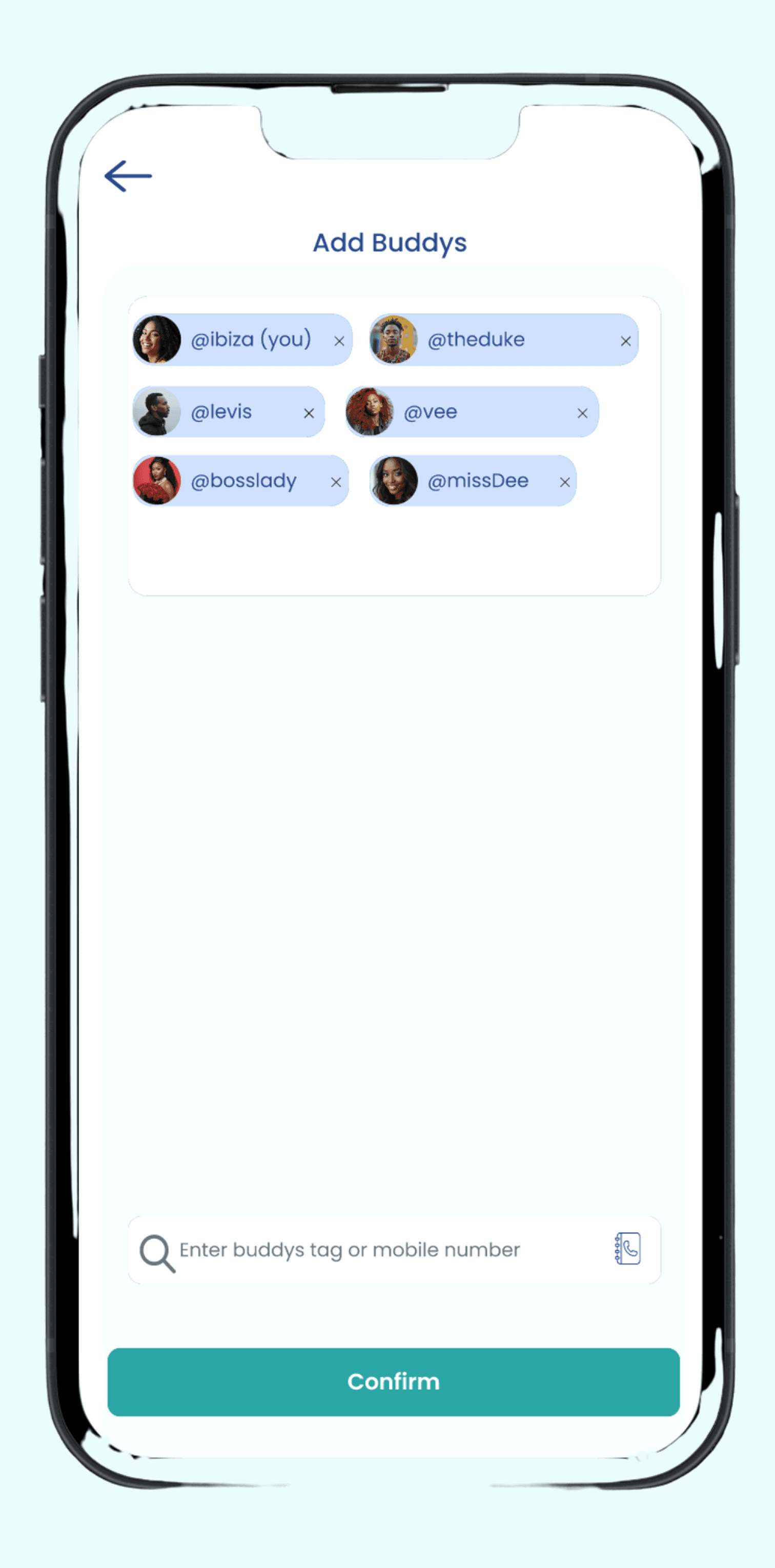
Add Buddys
Invite friends you wish to split bill with using their mobile number or buddytag.
4
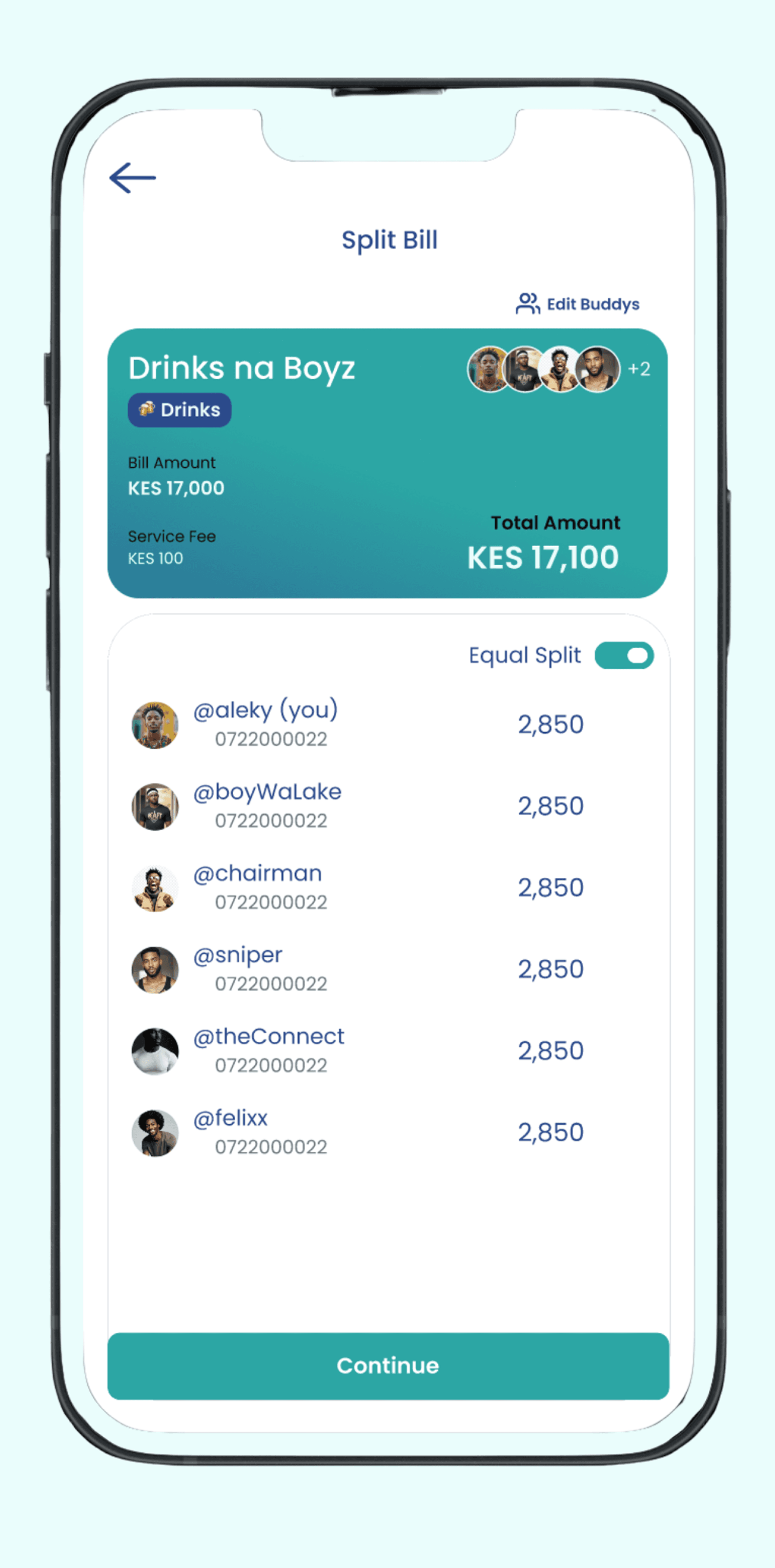
Choose Split Method
Choose to split equally or enter custom amounts to be paid by your buddys.
5
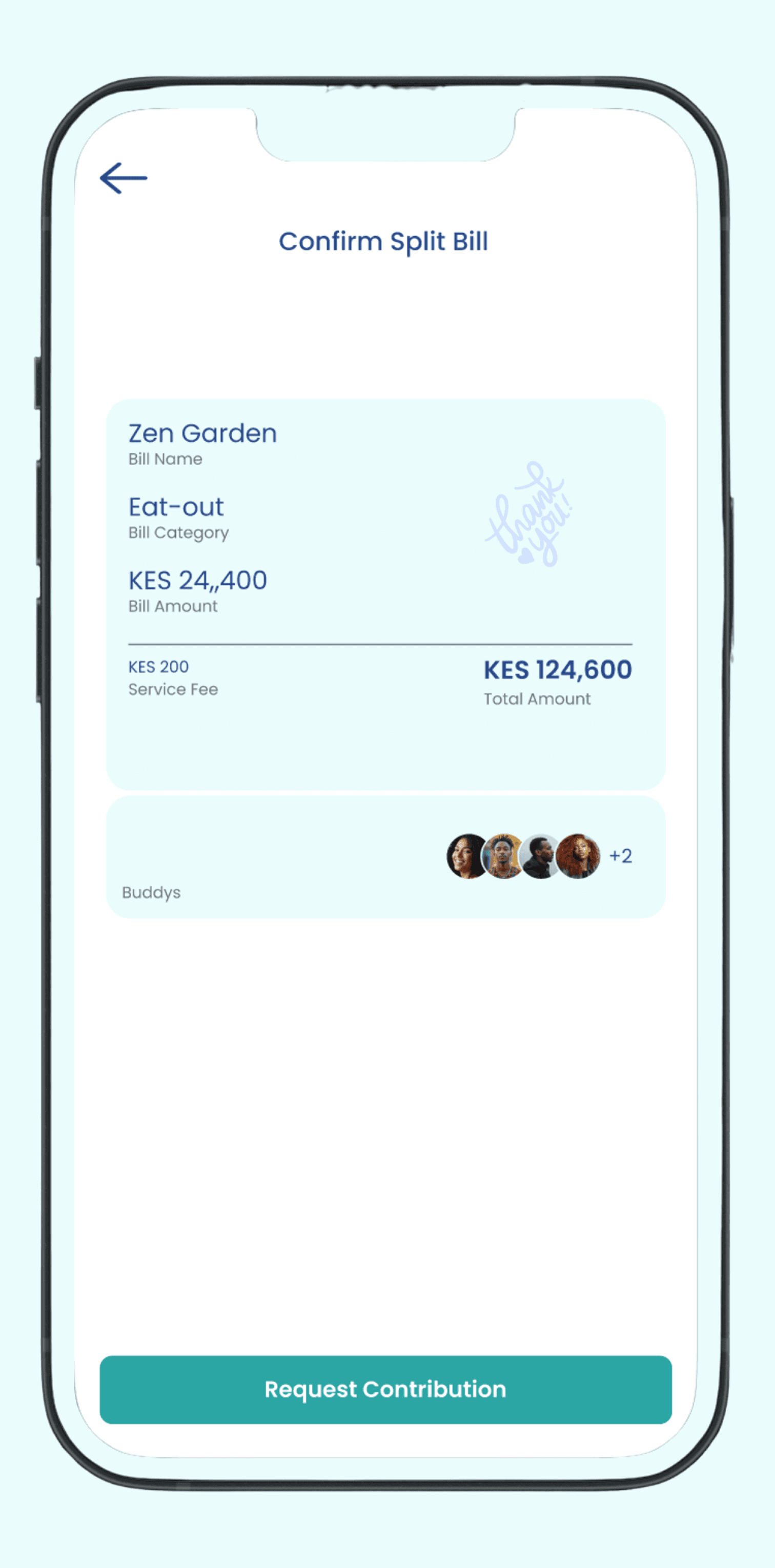
Request Contributions
Send contribution requests to your buddys. They will get notifications with payment/contribution link.
6
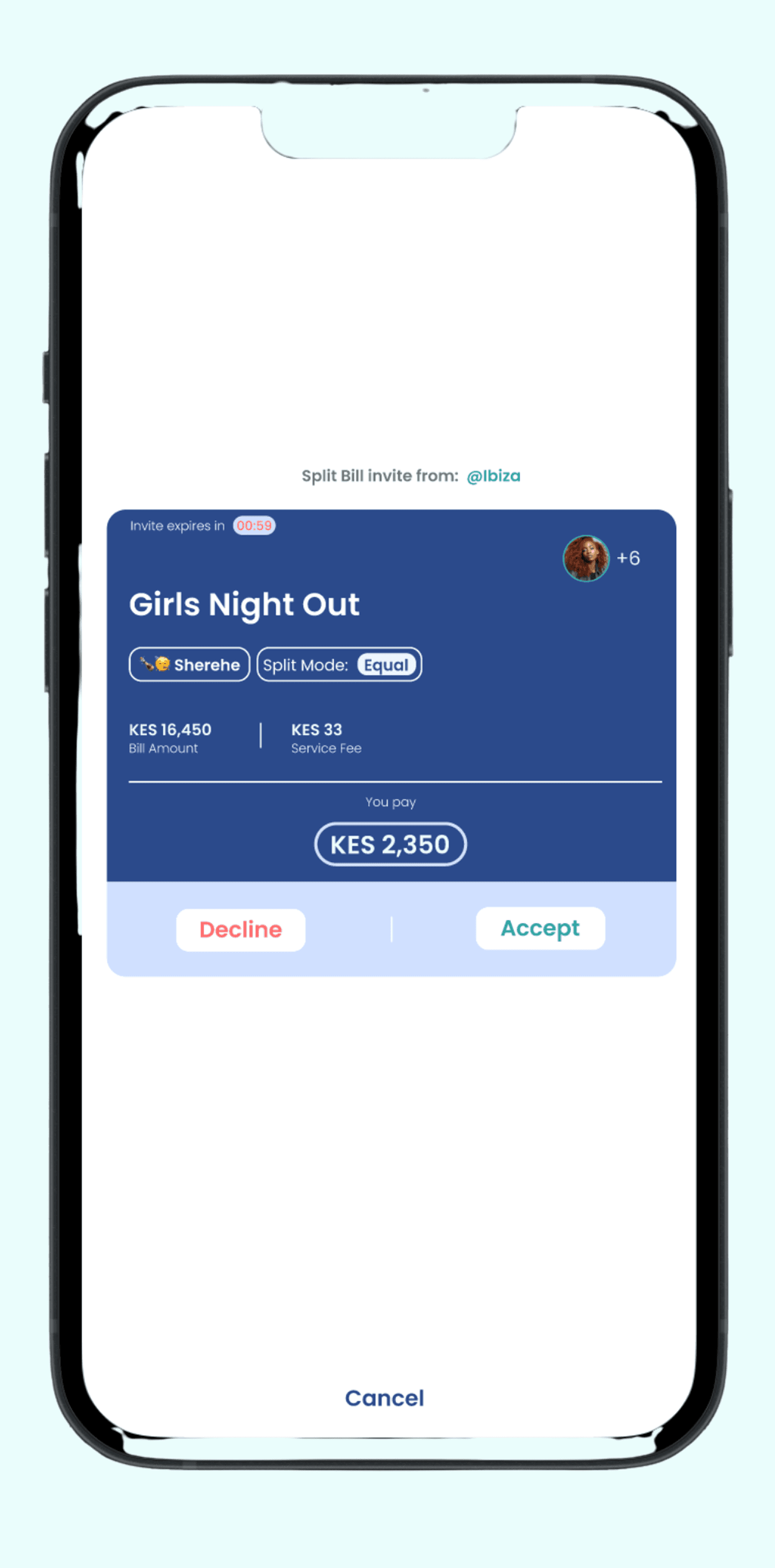
Pay Contribution
Upon clicking the payment link, each buddy will be prompted by M-PESA to pay their share of contribution.
7
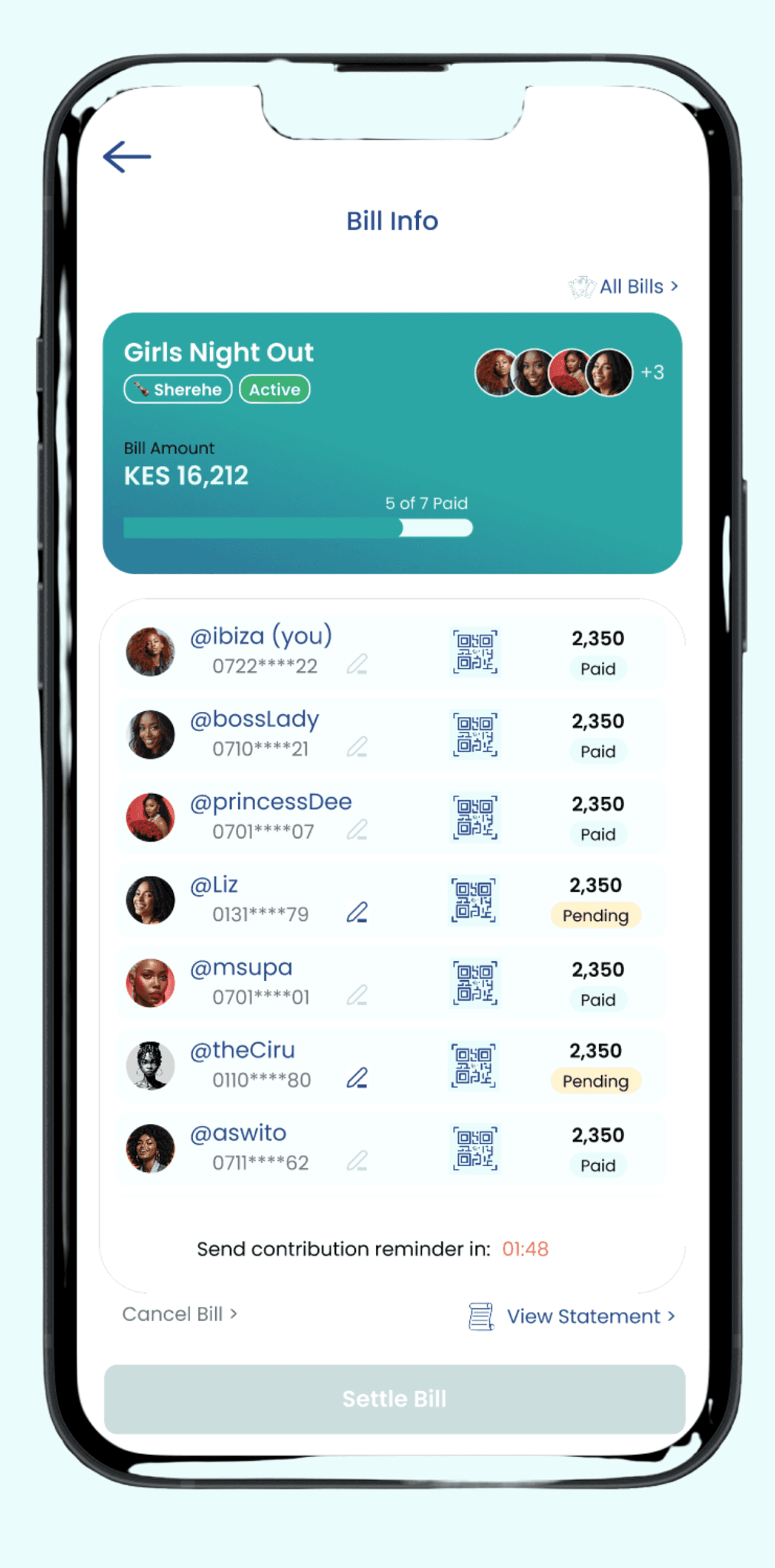
Track Contributions
See who has paid up and who has not. Optionally trigger automatic reminders to pay.
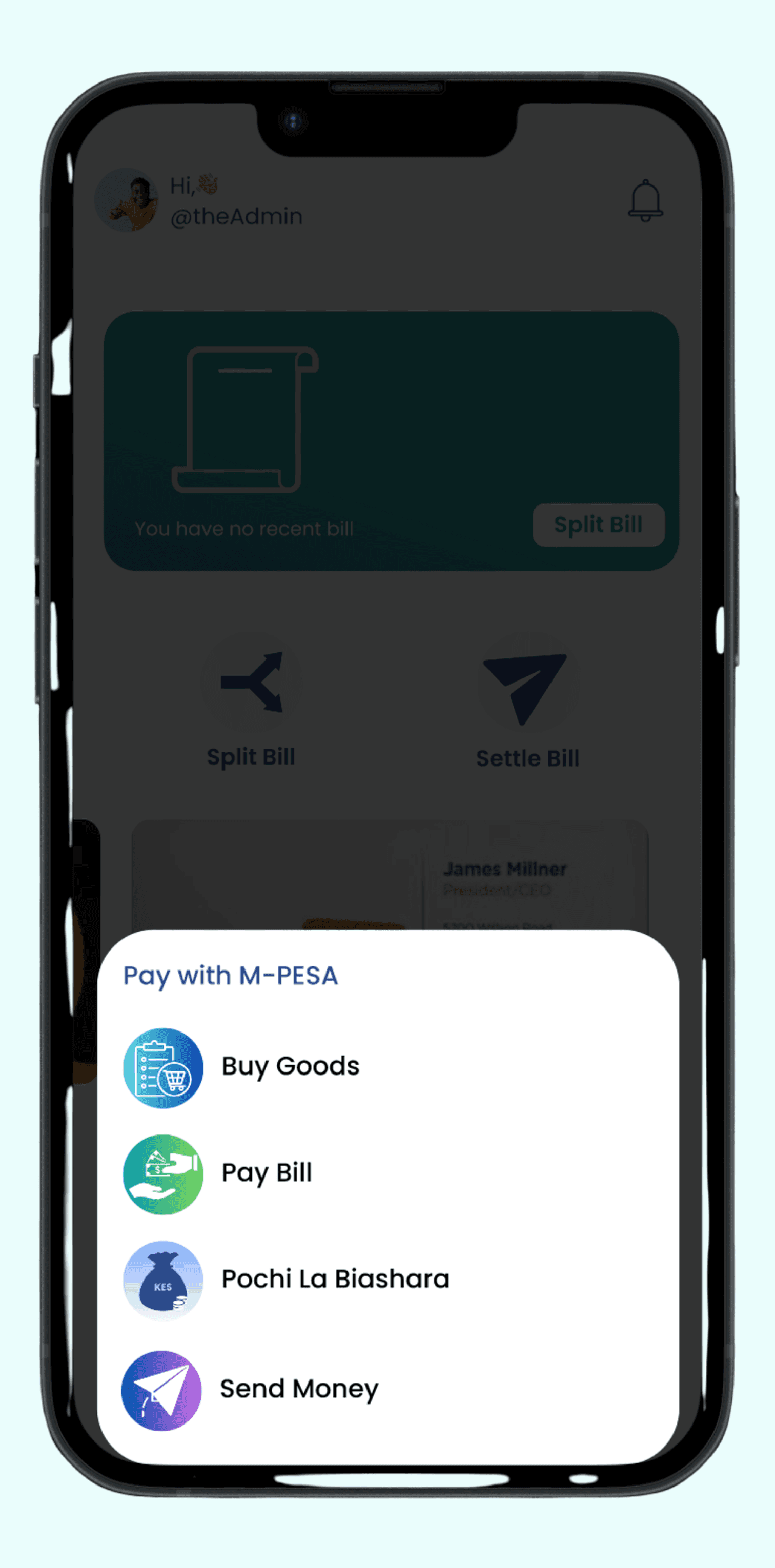
8
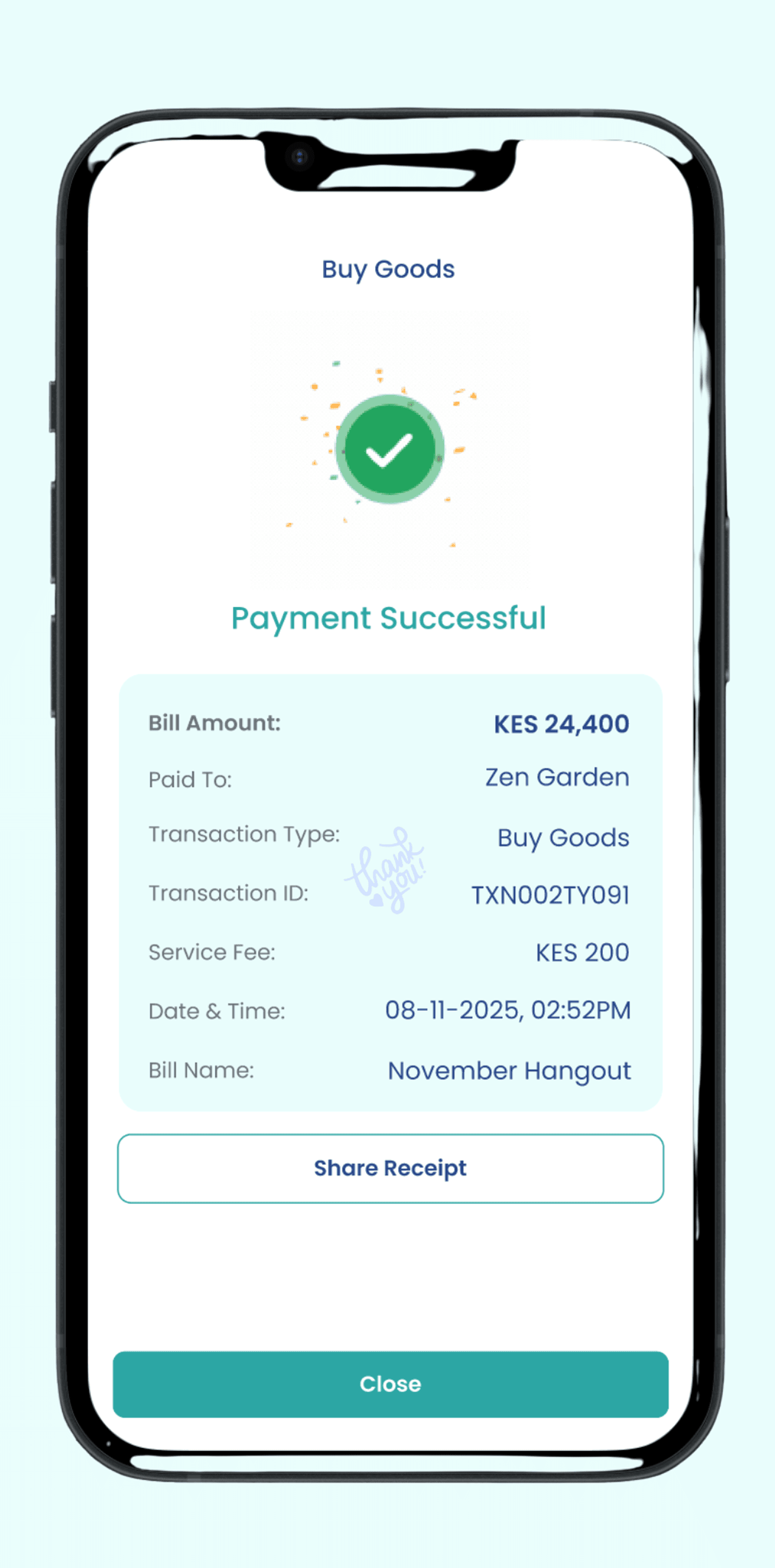
Settle Up
Settle your bill once every buddy has paid up. Select Pay Bill, or Buy Goods, or Send Money to pay your bill.